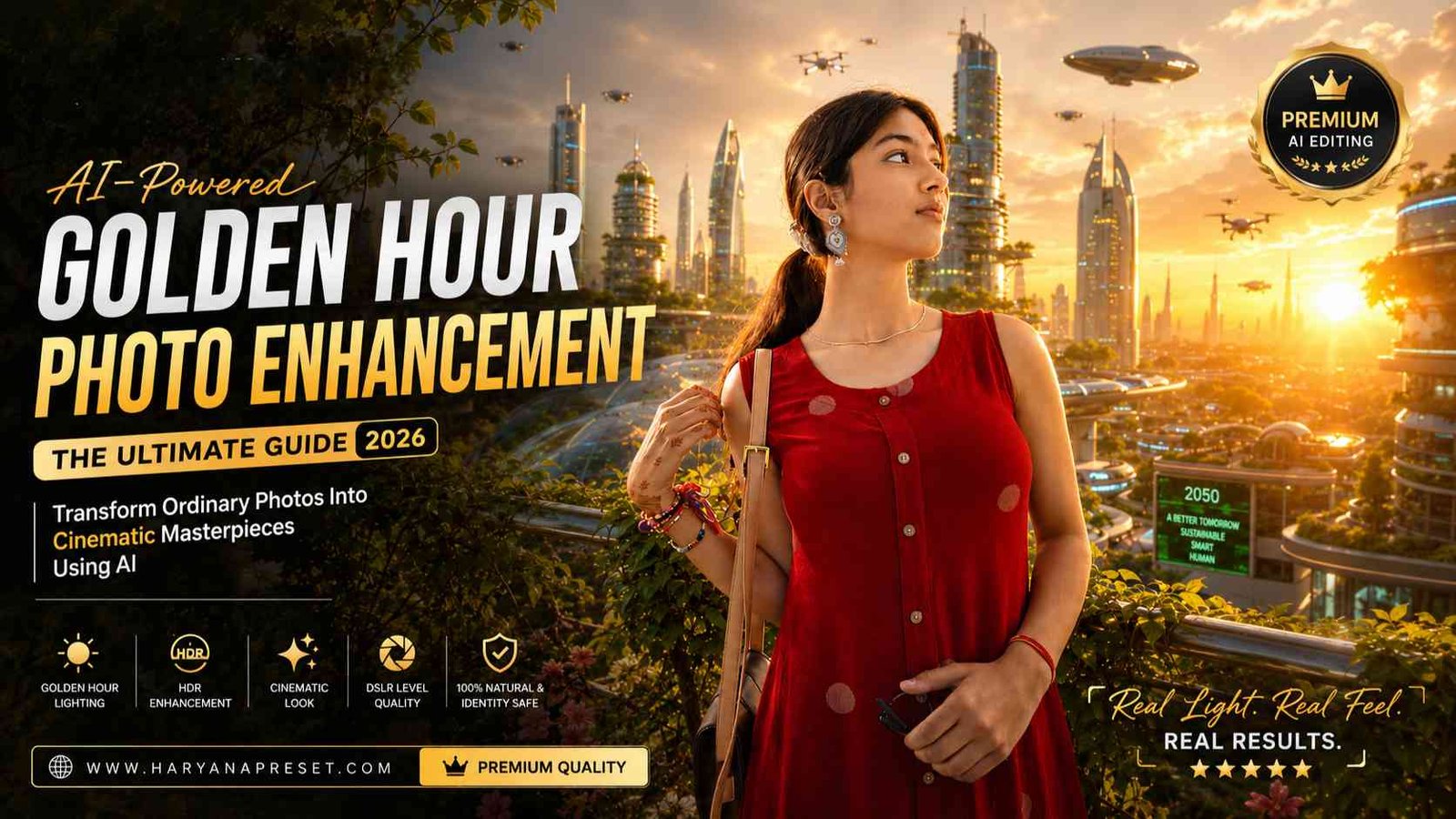
Outdoor photography has always been one of the most popular styles for portraits because natural light creates beautiful and authentic images. However, not every photo is captured during the perfect lighting conditions. Sometimes the sky is too bright, the face appears dull, or the background lacks warmth. This is where AI photo enhancement becomes incredibly useful.
With modern AI editing technology, anyone can transform an ordinary outdoor portrait into a premium golden hour masterpiece within minutes. AI can intelligently improve lighting, colors, clarity, and overall image quality while preserving the person’s facial identity, hairstyle, outfit, pose, accessories, and background exactly as they appear in the original photo.
In this guide, you’ll learn everything about enhancing outdoor photos with golden hour lighting using AI, along with practical tips and the best prompt to achieve professional DSLR-quality results.
What Is Golden Hour Lighting?
Golden hour refers to the short period just after sunrise and before sunset when sunlight becomes warm, soft, and naturally flattering. During this time, sunlight creates long shadows, rich colors, glowing highlights, and beautiful backlighting that photographers love.
Golden hour portraits usually have:
- Warm golden sunlight
- Soft natural skin tones
- Beautiful rim lighting
- Glowing background
- Cinematic atmosphere
- Natural contrast
- Smooth shadows
- Premium outdoor appearance
Because golden hour lasts for only a limited time each day, many photographers now use AI to recreate the same lighting effect digitally.
Why Use AI for Outdoor Photo Enhancement?
AI editing tools have become incredibly advanced. Instead of manually adjusting dozens of settings in professional editing software, AI can automatically analyze an image and apply realistic improvements without changing the person’s identity.
Some of the biggest advantages include:
- Preserves facial identity
- Maintains original hairstyle
- Keeps skin tone natural
- Protects clothing details
- Enhances lighting realistically
- Improves image sharpness
- Adds cinematic warmth
- Creates DSLR-quality results
- Saves hours of editing time
Unlike traditional filters that often make photos look fake, modern AI enhancement focuses on realistic improvements.
Features of a Professional Golden Hour AI Edit
A high-quality AI-enhanced outdoor portrait usually includes several improvements that work together naturally.
Soft Golden Sunlight
AI adds warm sunlight falling gently across the face, creating a natural glow instead of harsh brightness.
Natural Skin Tones
The person’s skin remains realistic without becoming overly smooth or plastic-looking.
Warm Backlighting
Golden light appears behind the subject, creating beautiful separation between the person and the background.
Cinematic Sun Rays
Light passing through tree leaves creates subtle volumetric rays that add depth and realism.
Lens Flare
Professional photographers often capture soft lens flares during golden hour. AI can recreate this effect naturally.
Glowing Bokeh
Background highlights become soft, dreamy circles that make portraits feel more cinematic.
HDR Enhancement
AI improves dynamic range by recovering details from both bright and dark areas of the image.
Improved Contrast
Balanced contrast helps the subject stand out while preserving natural colors.
Better Clarity
Textures in hair, clothing, leaves, and accessories become sharper without looking over-edited.
Best AI Prompt for Golden Hour Enhancement
You can use the following prompt for realistic outdoor portrait enhancement:
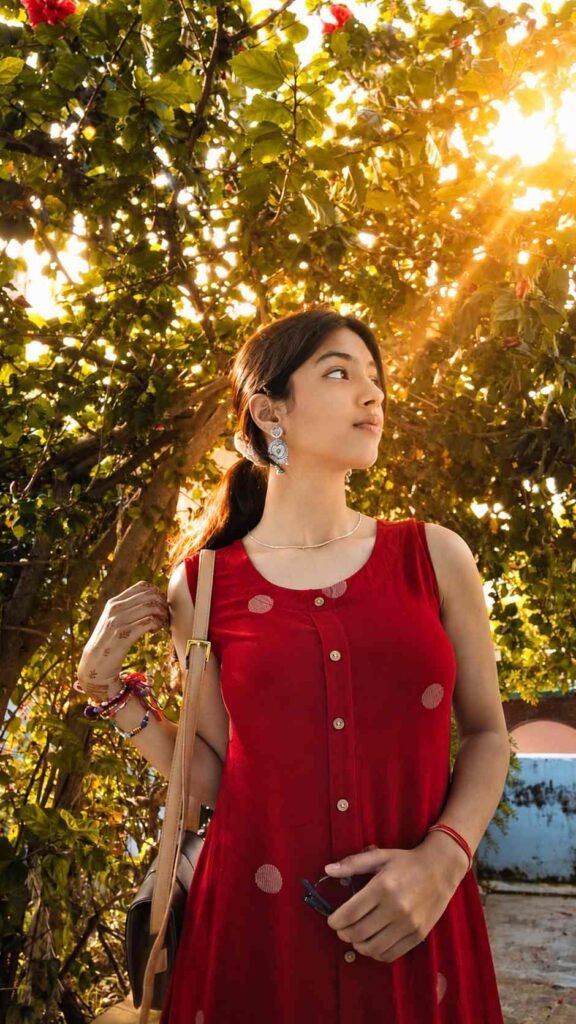
“Enhance this exact uploaded photo while preserving the person’s facial identity, hairstyle, skin tone, outfit, pose, accessories, and background exactly as in the original. Add soft golden-hour sunlight gently falling on the face from the upper-right side with natural warm highlights and realistic skin tones. Create beautiful warm backlighting behind the subject with subtle sun rays passing through the tree leaves, soft lens flare, glowing bokeh, and cinematic volumetric light. Increase overall warmth, contrast, clarity, and dynamic range while keeping the edit natural and ultra-realistic. Preserve all original details without changing the face or body. Professional DSLR color grading, HDR, realistic shadows, premium outdoor portrait, golden hour, 8K ultra-detailed, photorealistic.”
Tips for Better AI Results
To achieve the most realistic enhancement, follow these tips:
- Upload the highest-quality original photo available.
- Use images with good natural composition.
- Avoid heavily compressed photos.
- Preserve the original facial identity.
- Keep clothing and accessories unchanged.
- Request realistic lighting instead of dramatic effects.
- Avoid excessive skin smoothing.
- Maintain accurate colors.
- Preserve the original background.
These small details help AI produce professional-looking images.
Common Mistakes to Avoid
Many beginners use prompts that are too aggressive, resulting in unrealistic edits.
Avoid asking AI to:
- Change facial features
- Modify body shape
- Replace clothing
- Change hairstyle
- Add unrealistic skin smoothing
- Over-saturate colors
- Create extremely bright sunlight
- Blur the entire background
Natural enhancement almost always looks better than excessive editing.
Where Can You Use Enhanced Outdoor Photos?
Golden hour portraits are perfect for many platforms and purposes, including:
- Instagram posts
- Pinterest Pins
- Facebook profile pictures
- Portfolio photography
- Personal branding
- Lifestyle blogs
- Fashion content
- AI prompt showcases
- Social media marketing
- Photography websites
Because the images look natural and premium, they often receive better engagement online.
Final Thoughts
AI photo enhancement has completely changed the way people edit outdoor portraits. Instead of spending hours adjusting colors, lighting, and shadows manually, AI can recreate the beautiful golden hour look within minutes while preserving every important detail of the original image.
By using realistic warm sunlight, soft backlighting, cinematic lens flare, HDR enhancement, glowing bokeh, and professional DSLR color grading, you can transform an ordinary outdoor photo into an eye-catching masterpiece. The key is to preserve the person’s identity, outfit, pose, accessories, and background while enhancing only the lighting and overall image quality.
If you want your outdoor portraits to look professional, cinematic, and ultra-realistic, golden hour AI enhancement is one of the best editing techniques to use in 2026.